CLOSE

Banking, without the clutter.

A concept redesign of a retail mobile banking app that turns cluttered menus and long payment flows into a calm, dark-themed experience built around the tasks people actually do every day.
Banking App UI case study: overview
Chapter 01 — Overview

Nine screens, one idea: make money feel manageable.

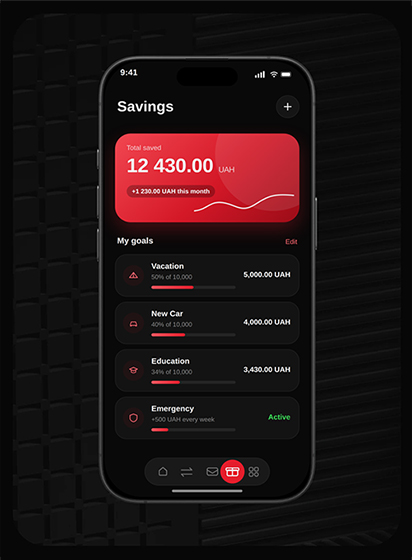
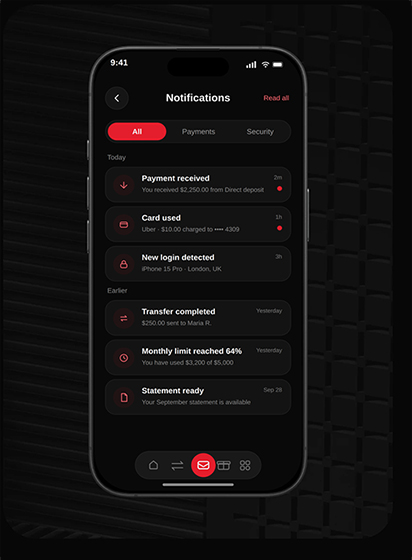
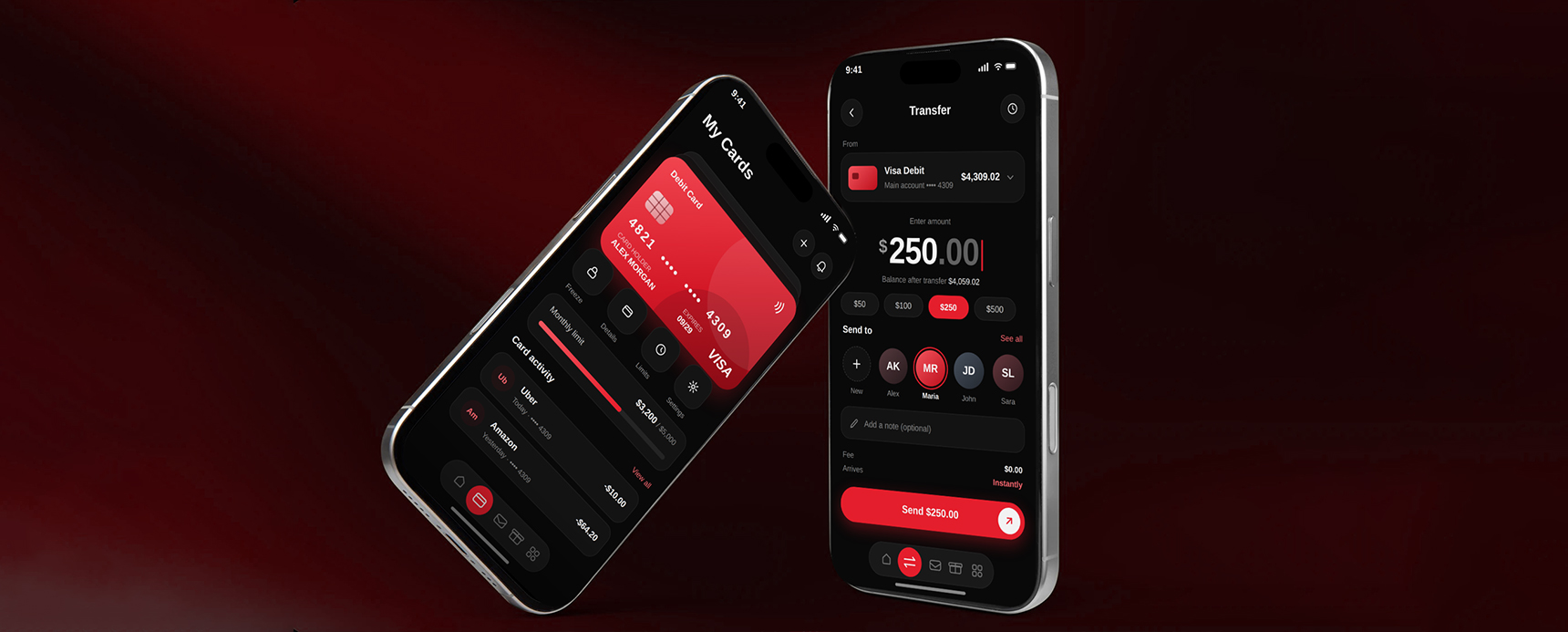
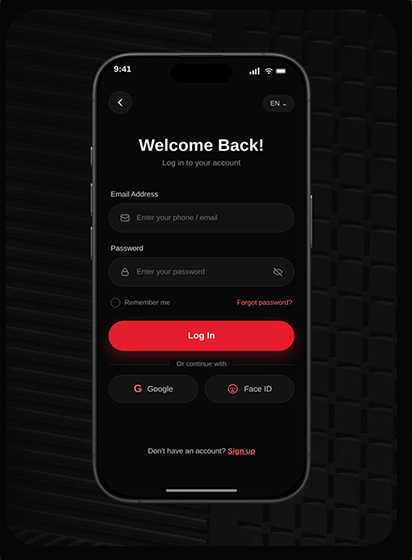
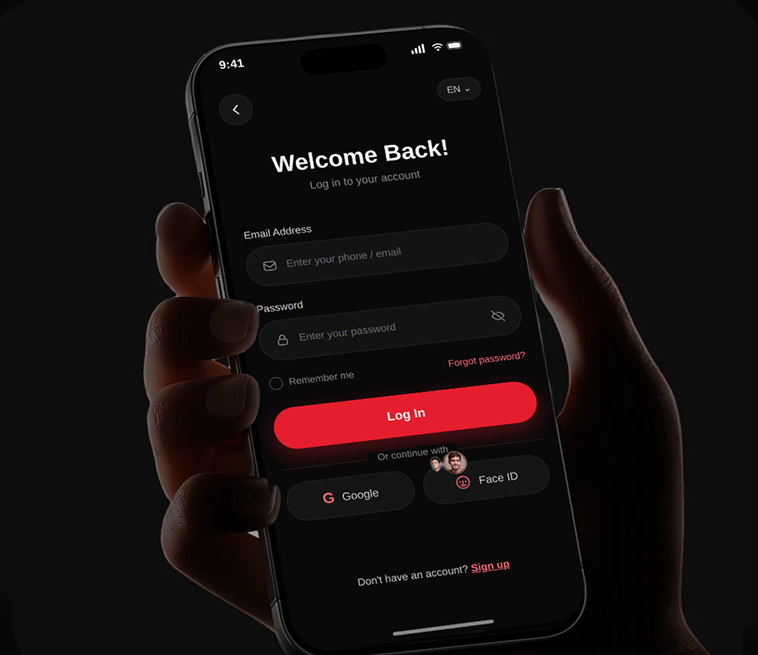
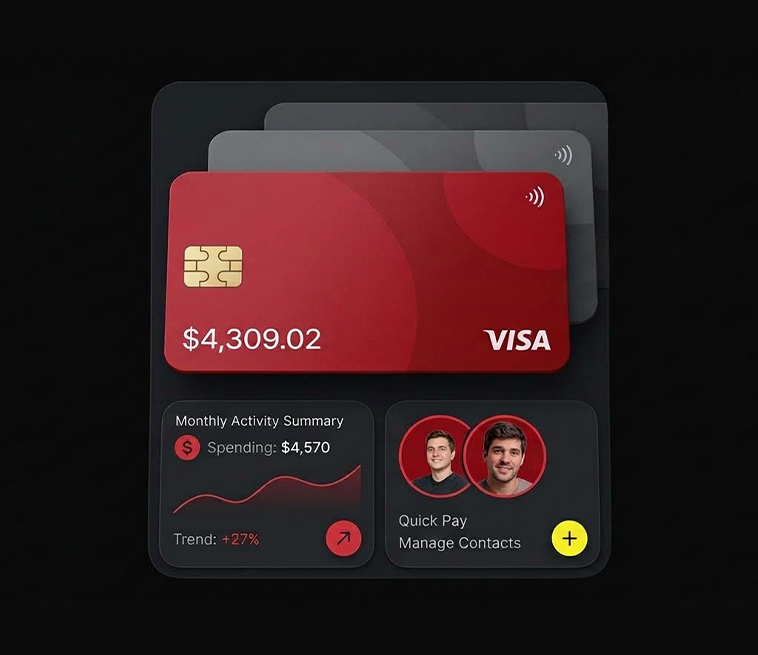
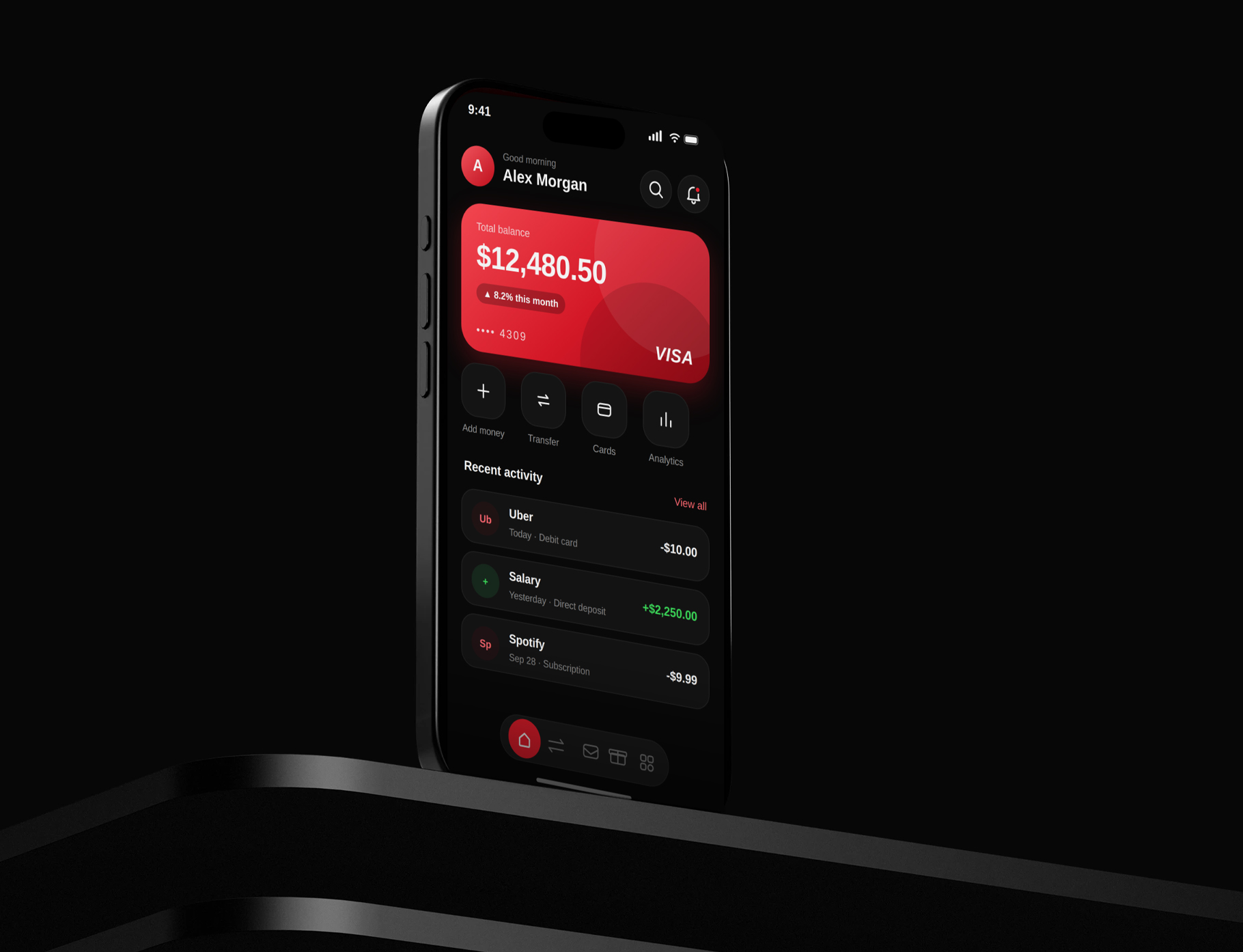
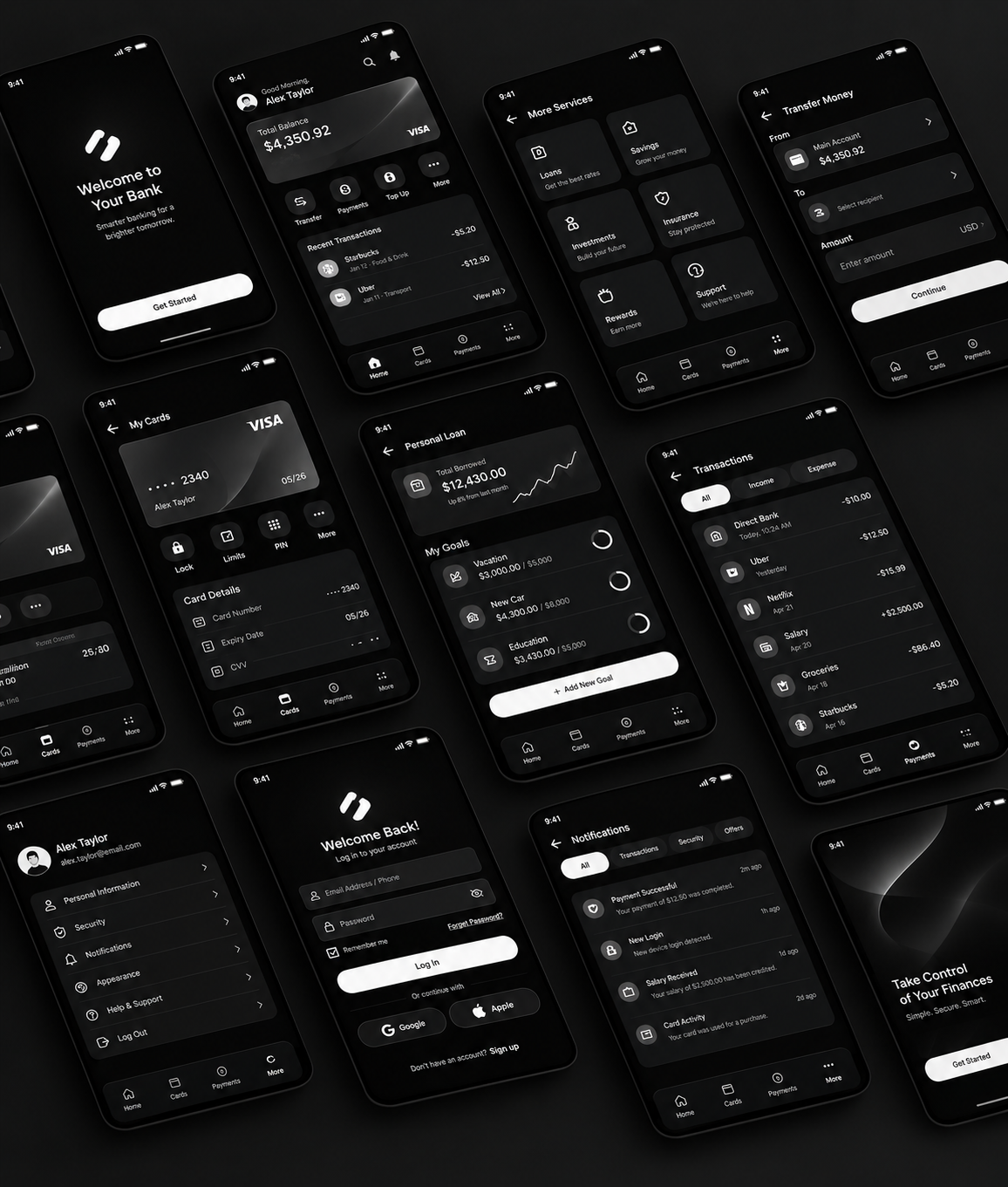
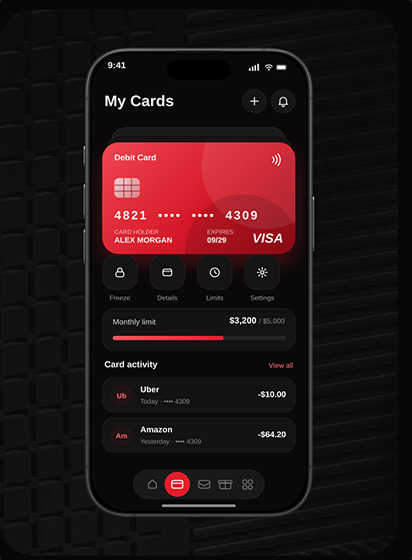
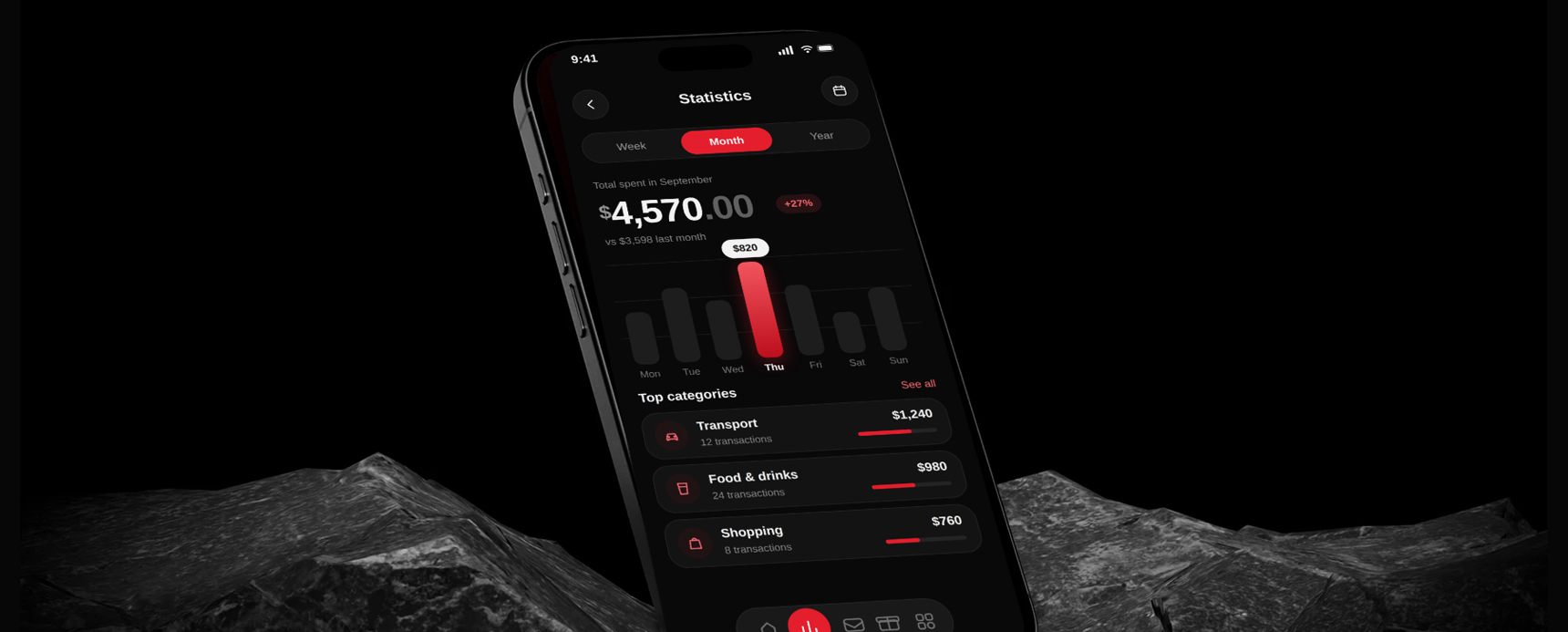
The concept covers the full core journey: splash and welcome, home dashboard, loans, savings envelopes, payments, transfers, card details and profile. It uses a dark interface with neon lime accents so balances and primary actions stand out instantly, even in bright daylight or at night.

Every screen follows two rules: one primary action per view, and no more than three taps to finish a common task.

Chapter 02 Problem & Solution

Banking apps have grown features faster than they have grown clarity.

  1. 01

    The problem

    Existing banking apps bury everyday actions under dense menus, inconsistent hierarchy and long forms. Users struggle to see where their money went and take too many steps to pay or transfer.

  2. 02

    The Goal

    Design a clean, trustworthy app that lets people check balances, pay, save and control their card in seconds, without needing to learn the interface.

  3. 03

    The Solution

    A simplified navigation with a quick-action dashboard, envelope-based budgeting, a short payment flow and a consistent component system that scales.

Banking App UI case study: screen 1
Banking App UI case study: screen 2
Banking App UI case study: screen 3
Banking App UI case study: screen 4
Banking App UI case study: screen 5
Chapter 03 Process

How I got from problem to prototype.

  1. 01

    Research the space

    Reviewed leading banking apps and gathered common complaints about navigation, payments and budgeting.

  2. 02

    Analyse competitors

    Mapped strengths and weaknesses to find where simplicity could be a real advantage.

  3. 03

    Define the persona

    Built a primary user profile with goals, pain points and a typical day in the app.

  4. 04

    Map flows and wireframe

    Sketched the information architecture and low-fidelity screens for the main journeys.

  5. 05

    Build the design system

    Set colour, type, spacing and reusable components before moving to high fidelity.

  6. 06

    Design and prototype

    Produced the high-fidelity screens and a clickable prototype, then refined based on review feedback.

Banking App UI case study: screen 6
Competitor Analysis

What leading apps do well, and where they lose people.

  1. Strengths

    Weaknesses

  2. Interface

    Clean visuals, fast and smooth

    Cluttered home screens, too many features competing

  3. Flows

    Strong security, reliable payments

    Complex multi-step flows for simple tasks

  4. Insight

    Users prefer simple apps

    quick actions raise satisfaction, and security must feel visible but never get in the way.

  5. Our focus

    Clean mobile UISmart

    Quick actions Visible, Calm security

Banking App UI case study: screen 7
Banking App UI case study: screen 8
User Persona

Meet Michael, who wants his money to just work.

Banking App UI case study: screen 9
Banking App UI case study: screen 10 Banking App UI case study: screen 11
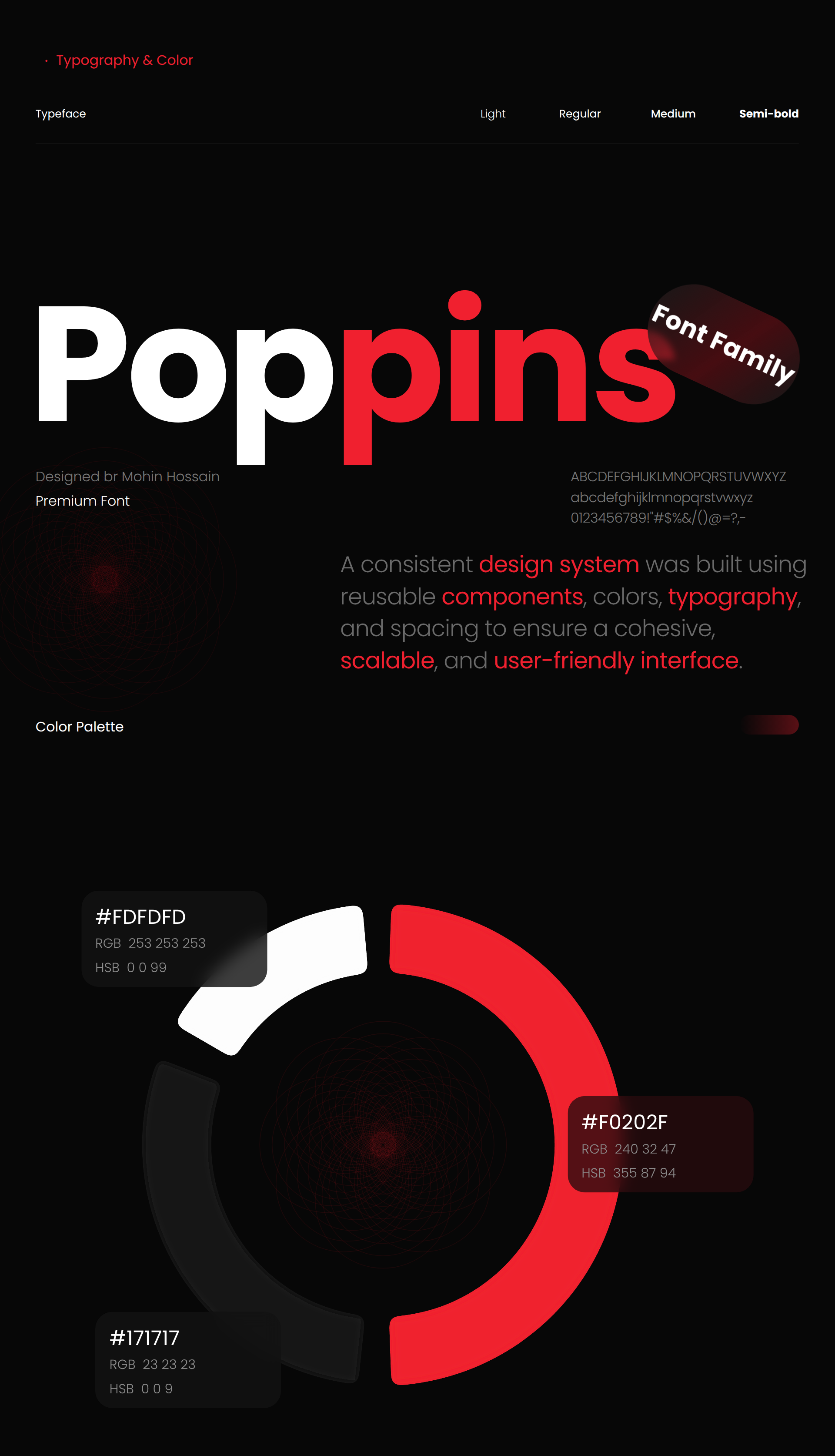
Design system

Dark, high-contrast and built from reusable parts

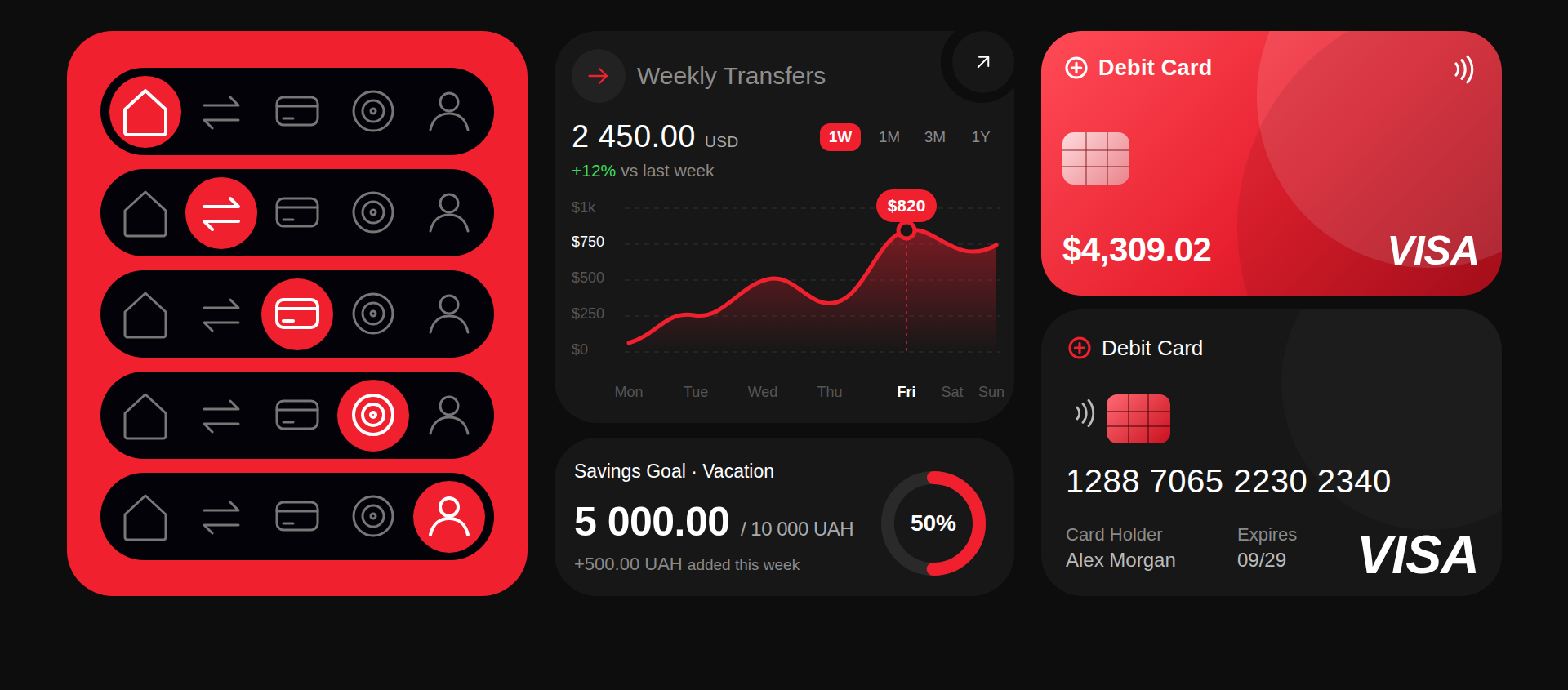
Lime is reserved for primary actions and key figures, so the eye always knows where to go. Large numerals, generous spacing and 16px corner radii keep the interface calm and thumb-friendly.

Banking App UI case study: screen 12
Wireframes

Structure first, polish later.

Low-fidelity wireframes fixed the layout and order of content for each screen. Testing the structure early meant the visual design could focus on clarity rather than rescuing a confusing layout.

Banking App UI case study: screen 13
Banking App UI case study: screen 14
Key flow

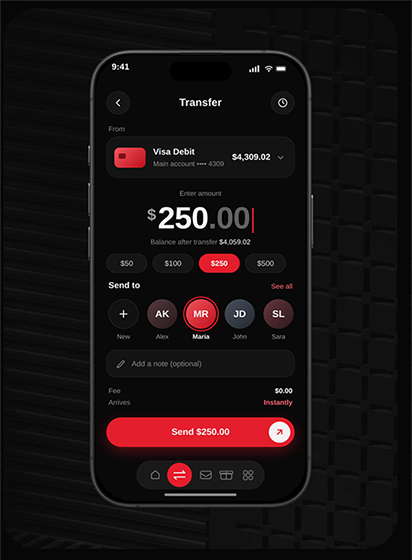
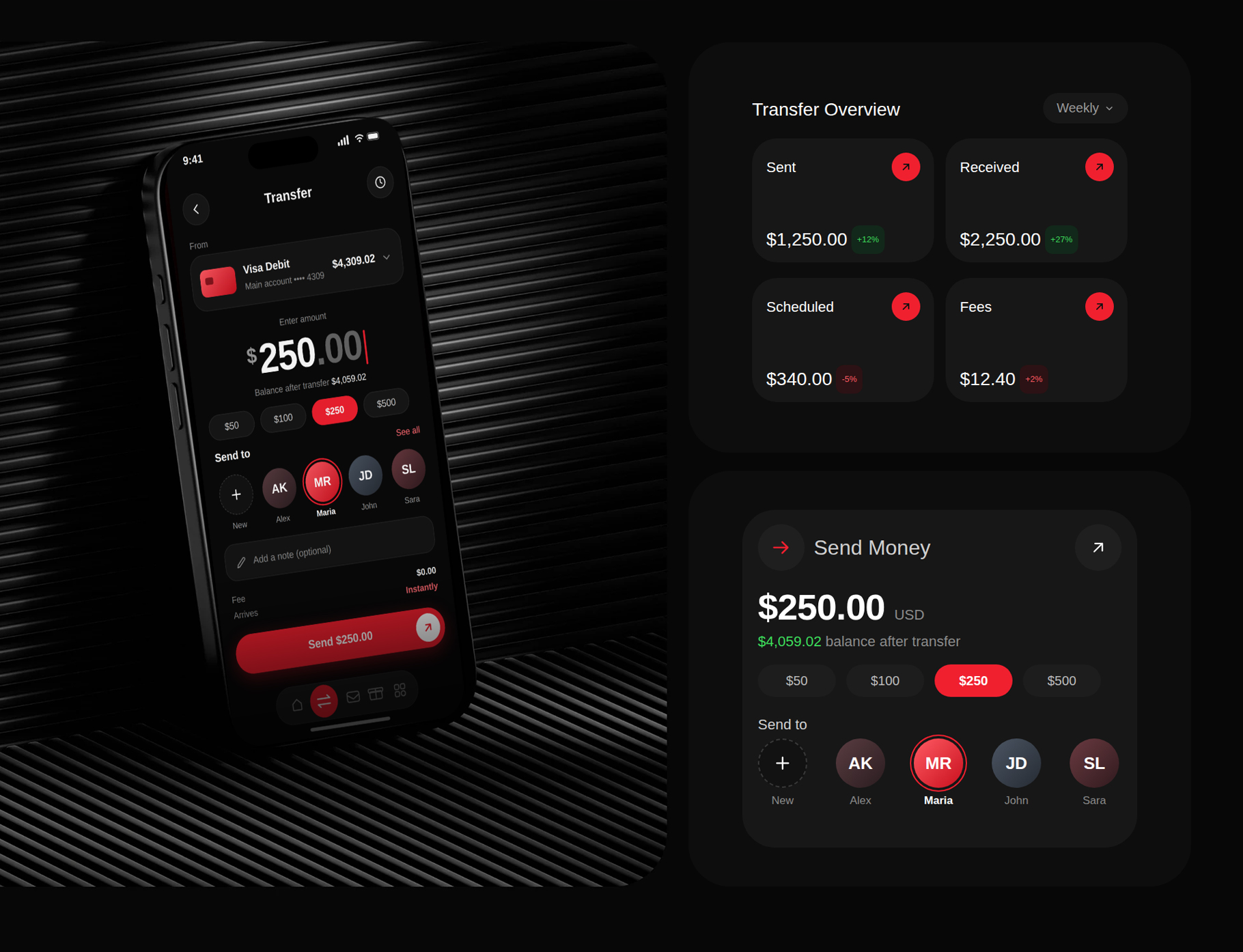
Sending money in five taps.

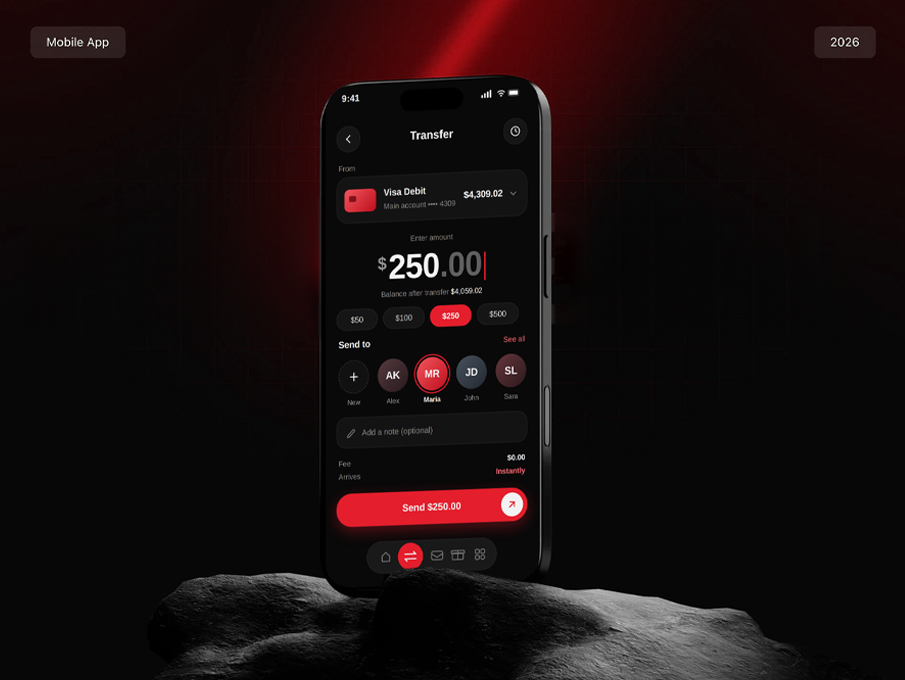
Payments were the biggest pain point, so I redesigned the flow to remove every step that did not help the user feel sure.

  1. Tap Transfer on the dashboard

    Quick actions put the most common tasks one tap from home.

  2. Choose a recipient

    Recent contacts appear first, so repeat payments are instant.

  3. Enter the amount

    A large keypad shows the available balance as you type.

  4. Review and confirm

    One summary screen with fee, recipient and total, plus biometric approval.

  5. See the confirmation

    A clear success state with a receipt and the updated balance.

Outcomes & next steps

What I would measure next.

This is a concept project, so I have set success targets to test with real users rather than claiming results. Each target maps directly to a pain point found in research.

  1. Task speed

    Time to complete a transfer, targeting under 30 seconds for a returning recipient.

  2. Findability

    Percentage of users who locate card controls and envelopes without help.

  3. Satisfaction

    System Usability Scale score after moderated testing on the prototype.

  4. Onboarding

    Completion rate from welcome screen to first dashboard view.

Banking App UI case study: screen 15
Key flow

Conclusion

The redesign shows that a banking app can feel secure and capable without feeling complicated. By prioritising the few things people do every day, and giving them a consistent, accessible visual language, everyday money management becomes faster and more confident.